









Projects
Found 17 Results
Page 1 of 2
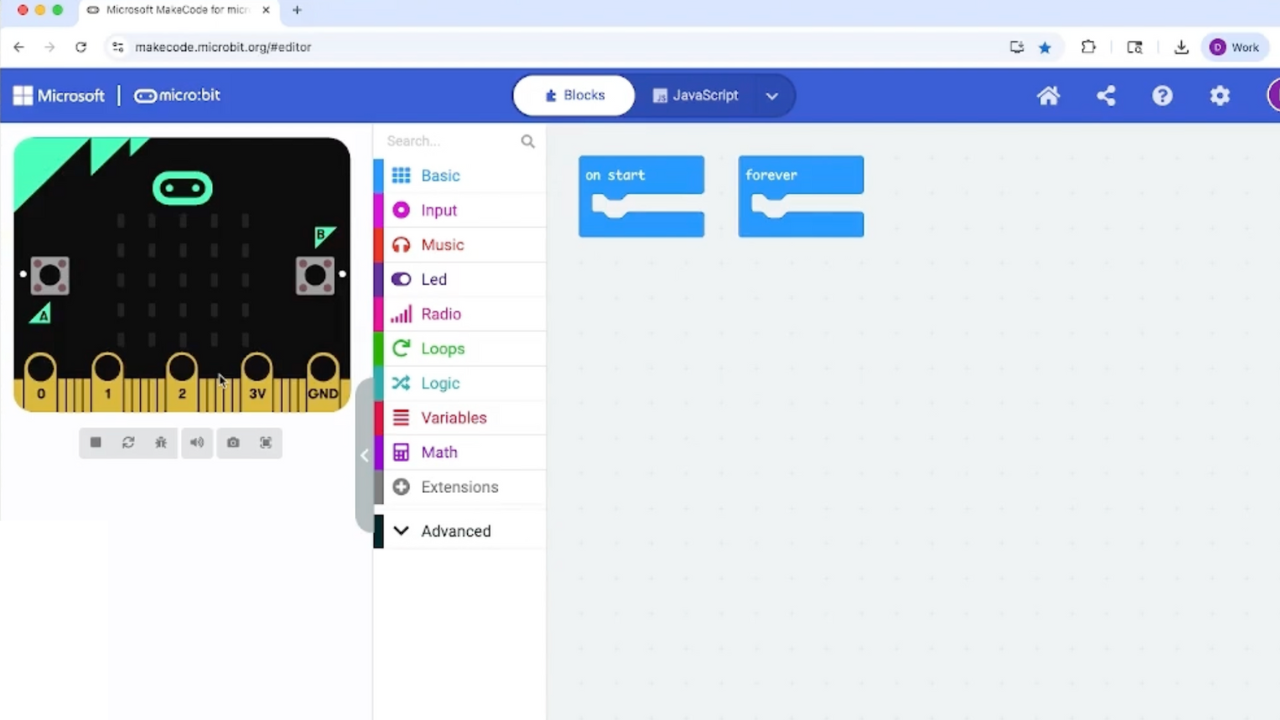
0-1. Get Started with Makey:bit – Connect & Code Your First Project
Get Started with Makey:bit – Connect & Code Your First Project!
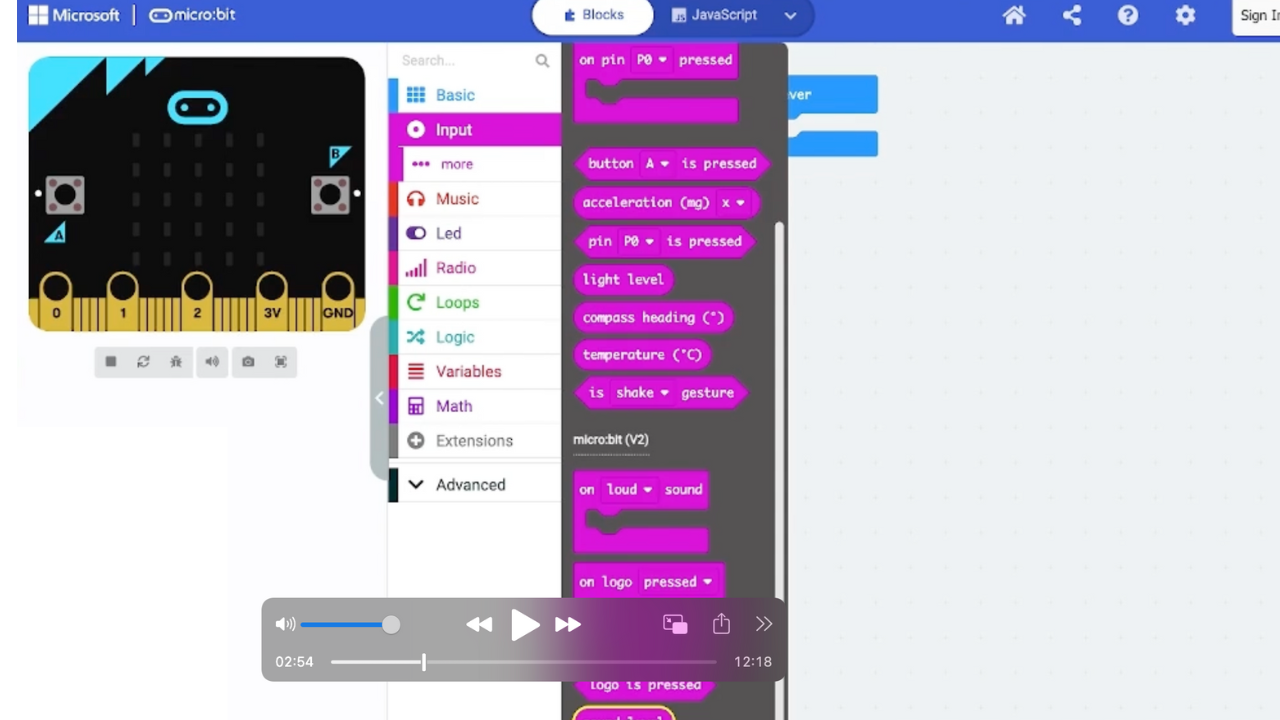
0-2. Make Your First Monster Project and Learn About Coding for Servos
Make your very first Mini Monster! Use a micro:bit, a Makey:bit, and a little servo motor to bring your monster to life.
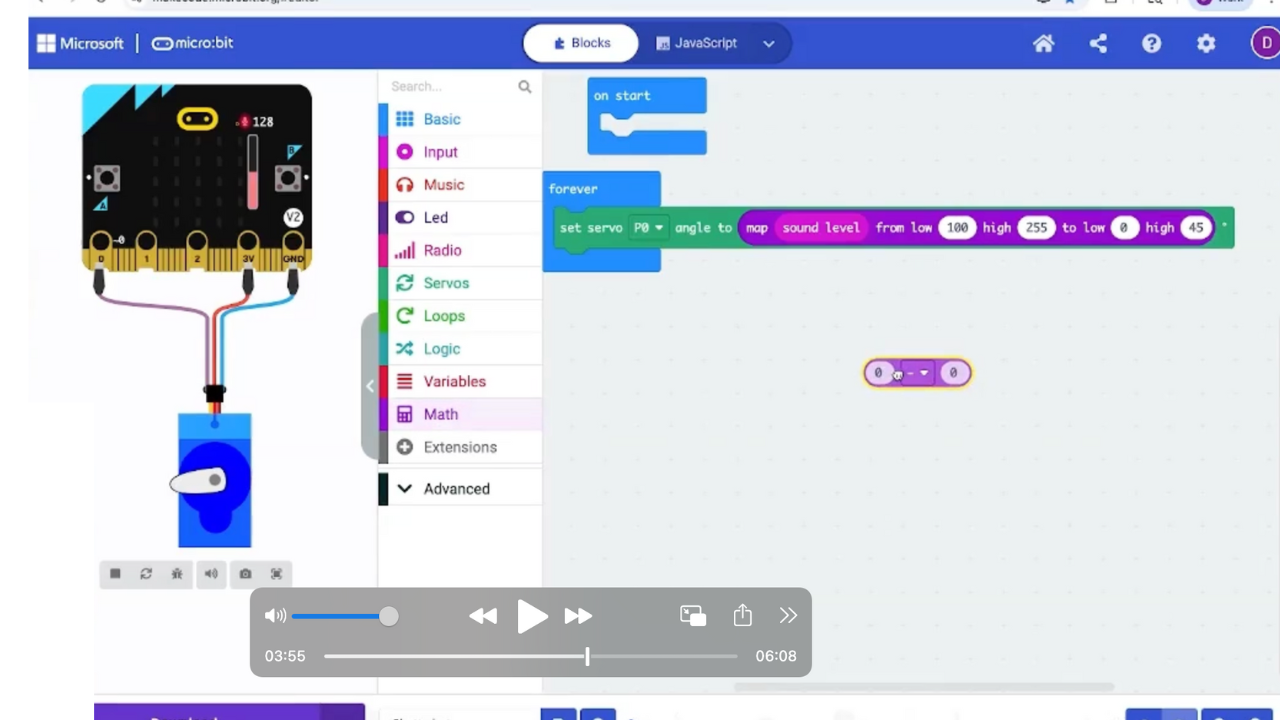
0-3. Deep Dive with Diego and Tweak Your Code!
Use your micro:bit, Makey:bit, and servo to upgrade last project’s monster—and add silly chatter teeth if you like—while learning about coding...
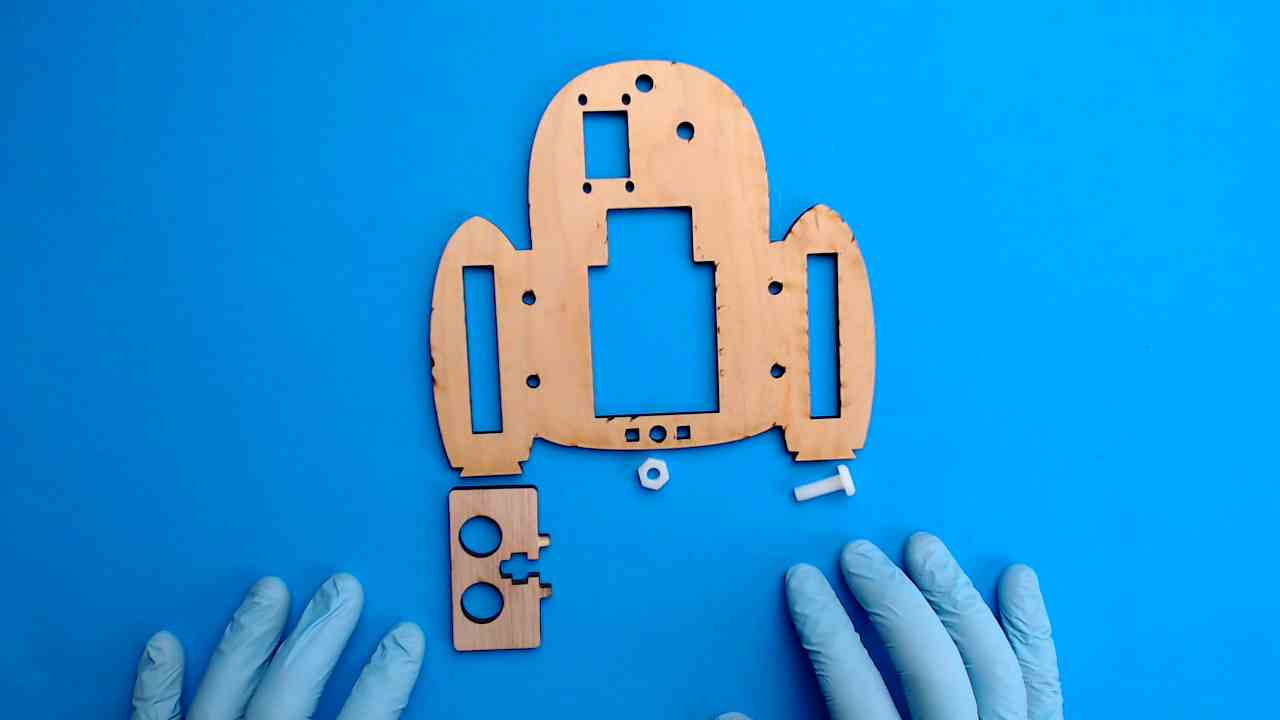
1-1. Build the Base
Let’s go! Start by building the base of your Very Useful Monster—it’s the first step to bringing it to life!
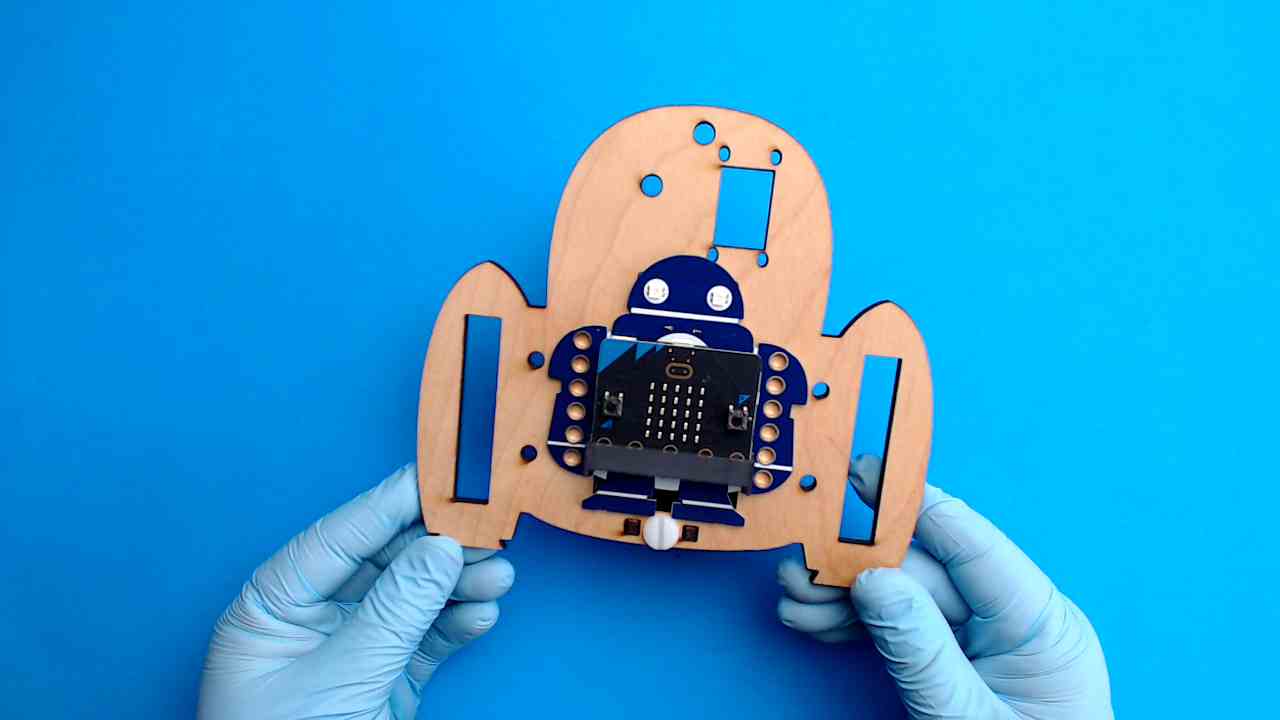
1-2. Test the Fit of Your Makey:bit
Now it's time to make sure your Makey:bit feels right at home! Test how it fits into the base so it’s ready to power up your monster.
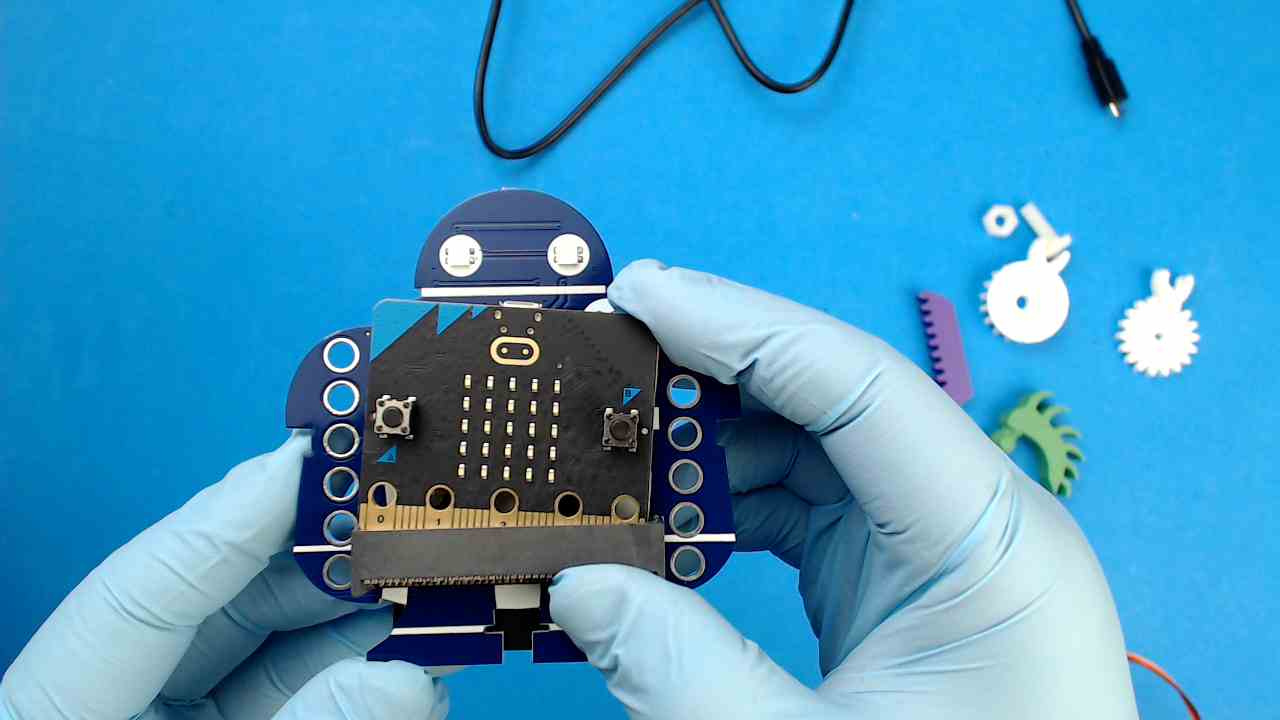
1-3. Load Your Code – Test Your Servo
This lip syncing code will allow GabbE to react to external sounds, including music and your voice!
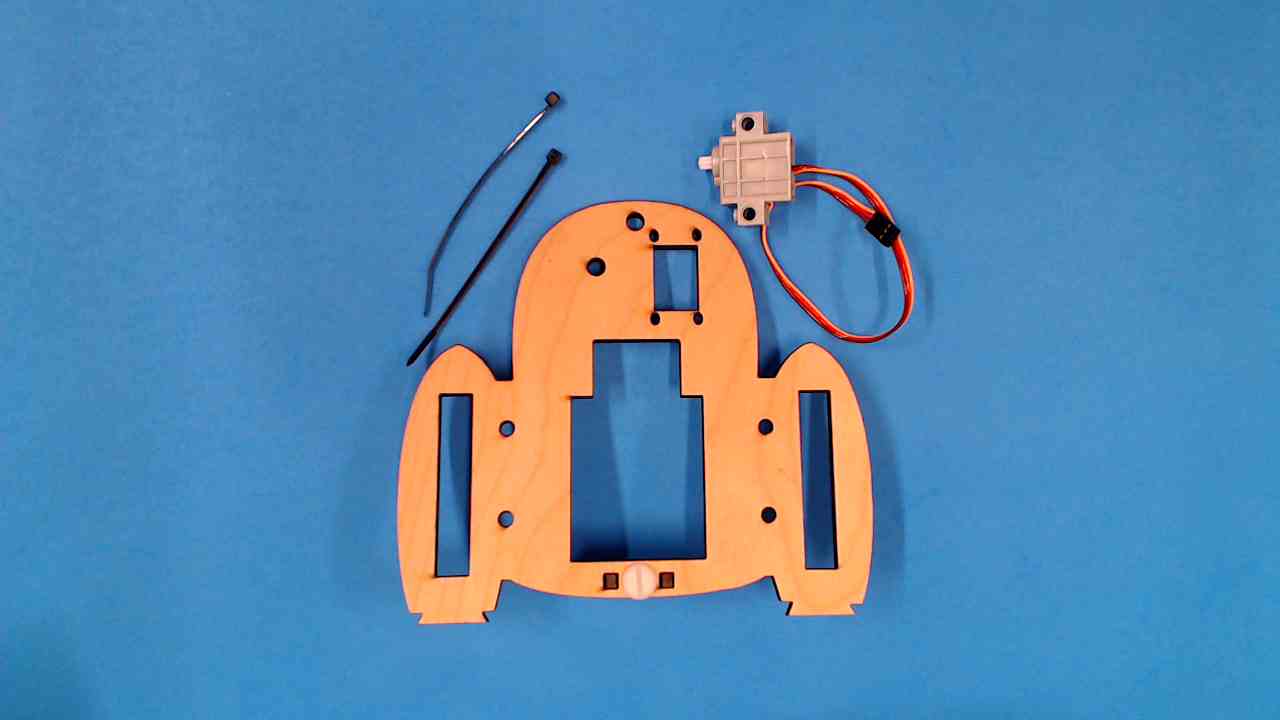
1-4. Install the 180 Degree Servo Motor
It’s time to prepare your monster for some moves! Snap in the servo motor so it can be programmed to wiggle, wave, or chomp!
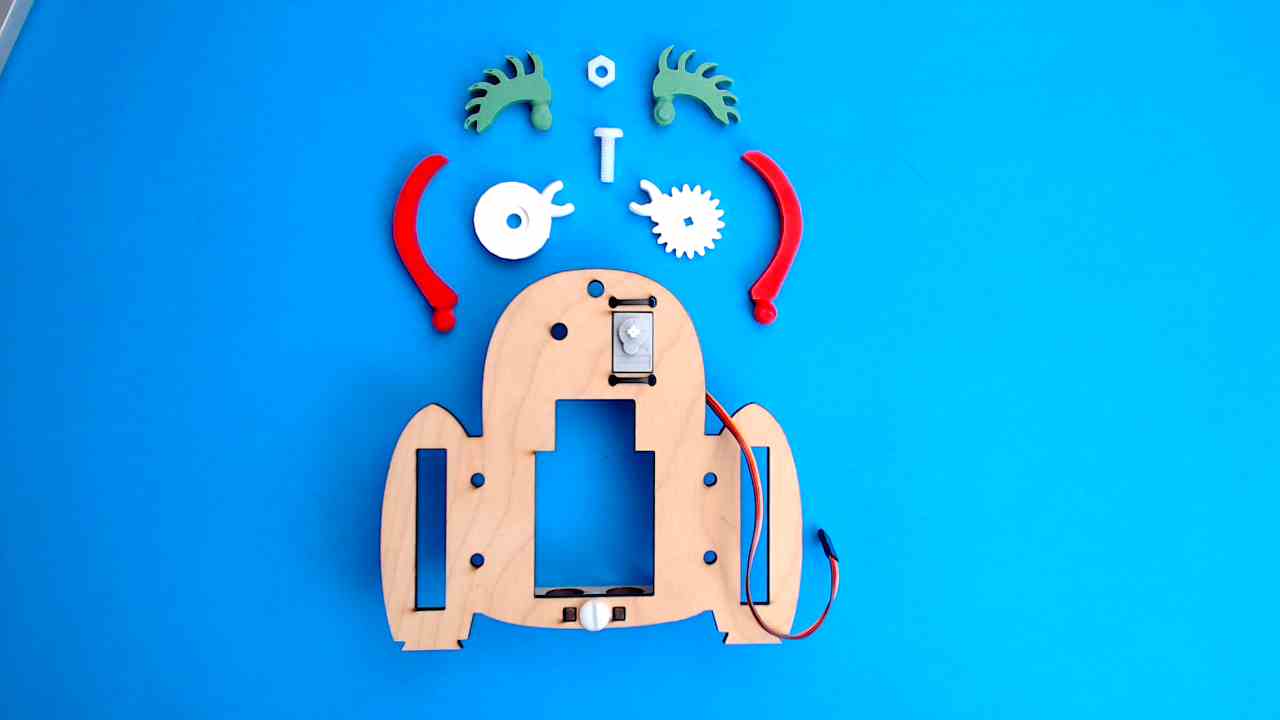
1-5. Install Eye Gears and Snap on Eyebrows
Give your monster some eye power! Snap on the gears and fun accessories to make it look extra cool and ready for action!
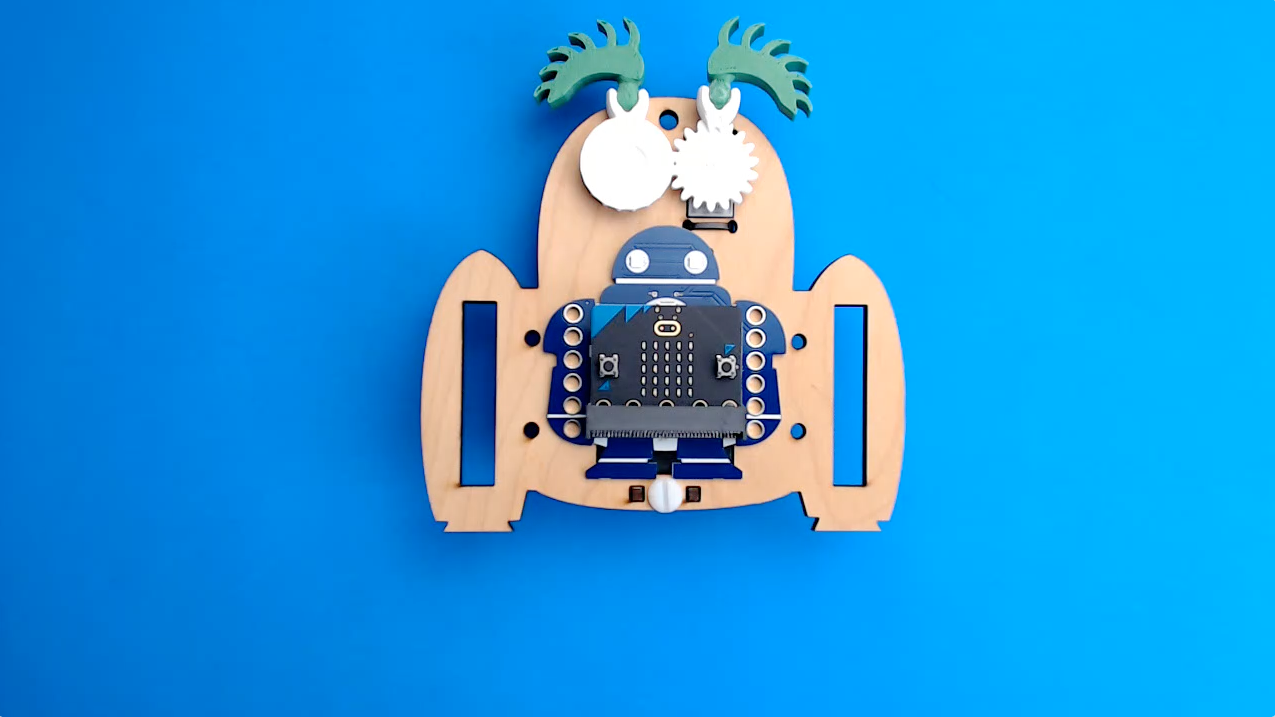
1-6. Install Makey:bit
You're almost ready to power up your monster. Let’s get your Makey:bit microcontroller plugged in and ready to go!
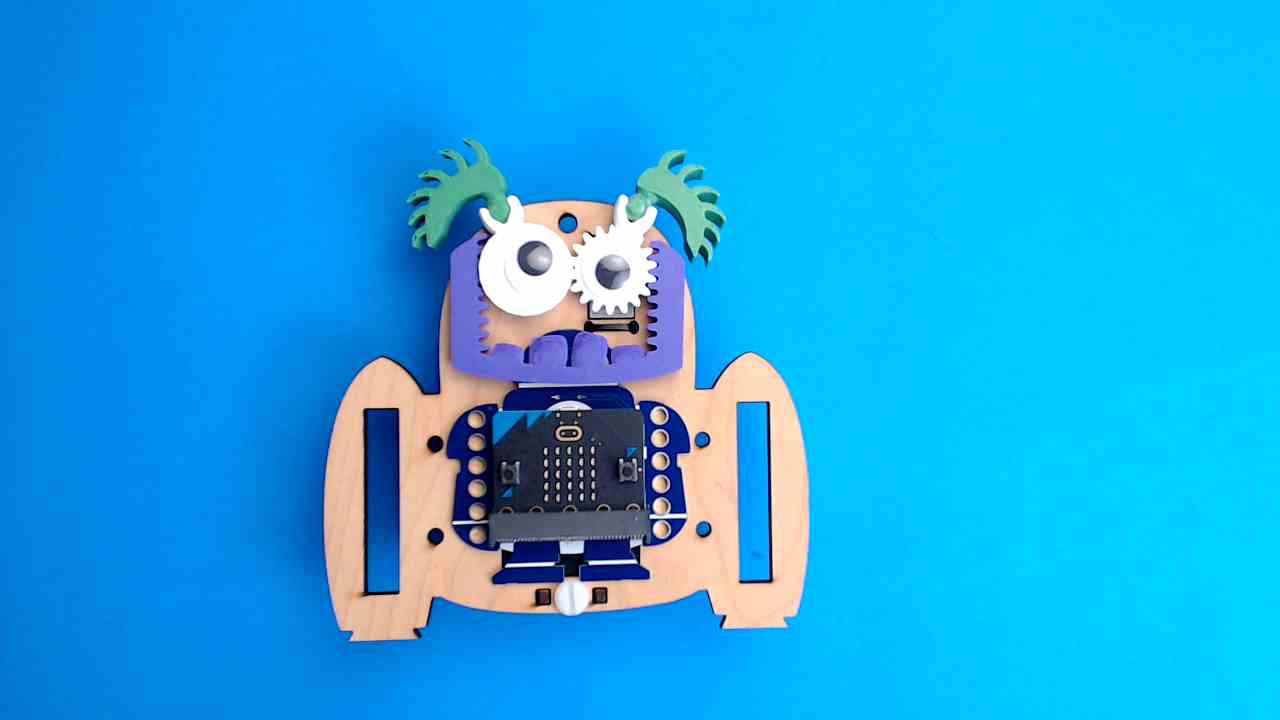
1-7. Add the Jaw and Googly Eyes
Time to give your monster some extra personality! Snap on the jaw so it can chomp, and add those googly eyes for maximum silliness.
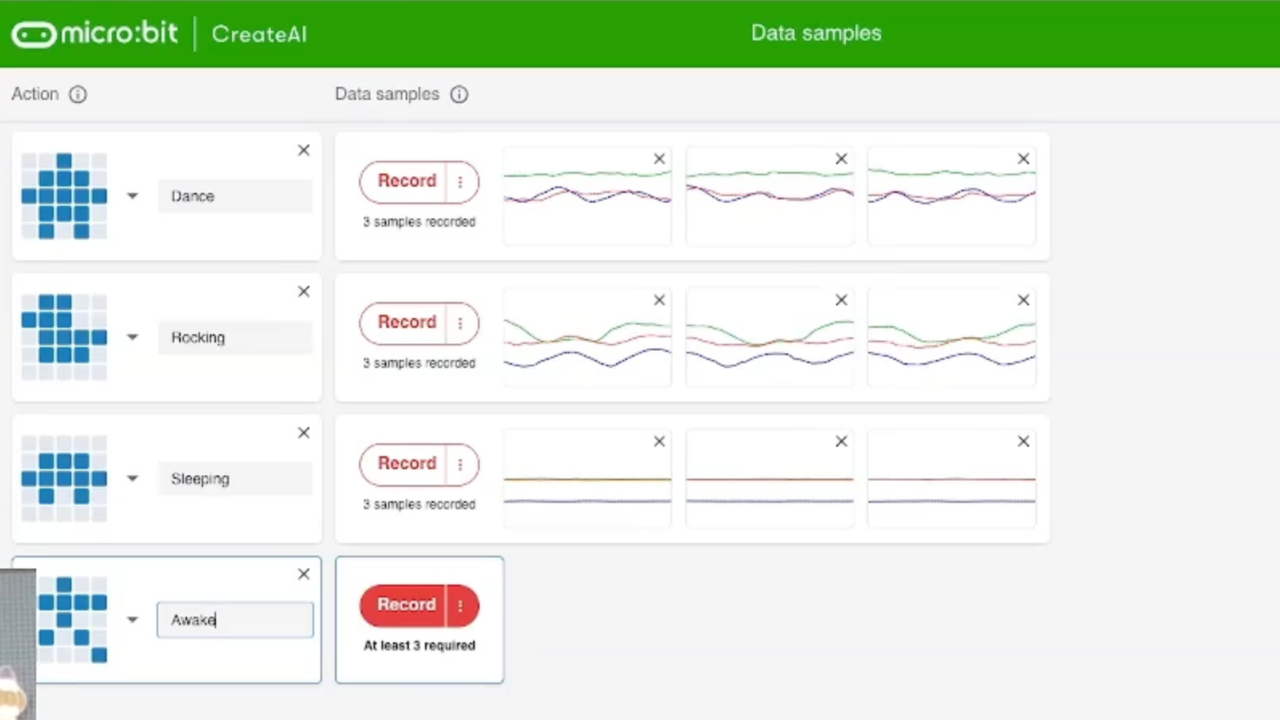
1-9. Project #2 Train Your Monster’s Brain
Download new code and use simple AI to show your monster some tricks!
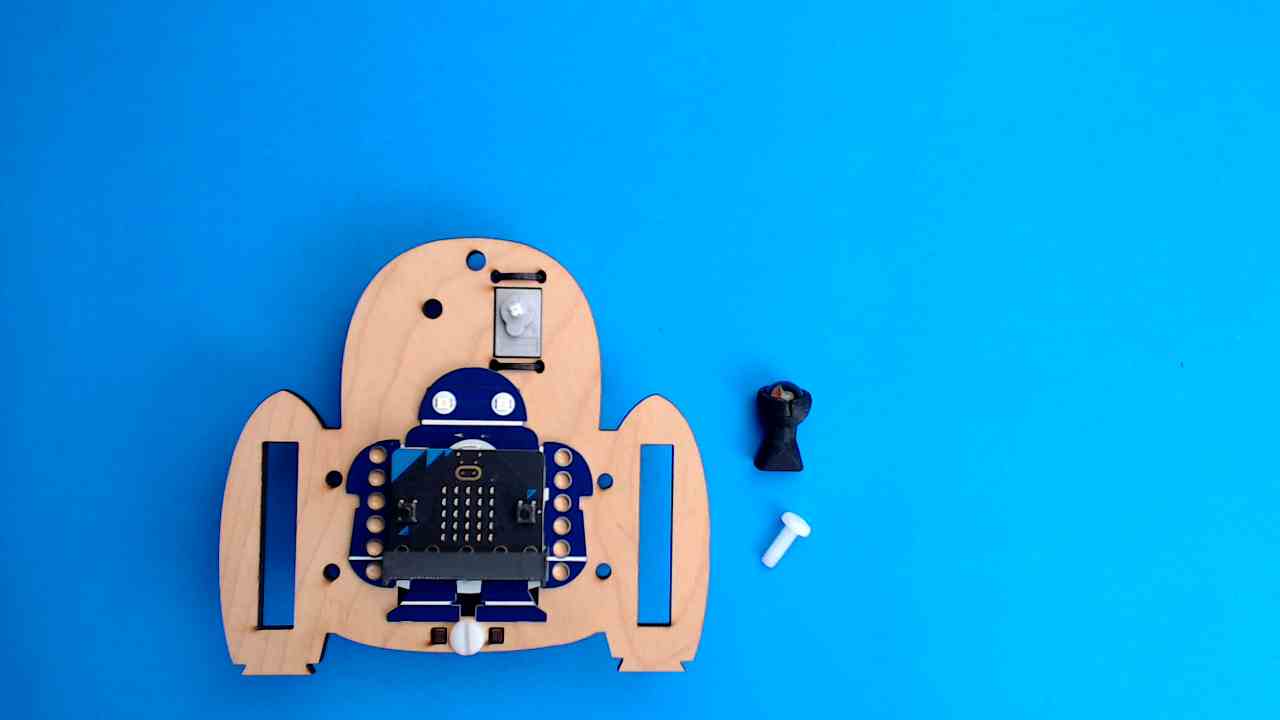
2-1. Install the Ball Roller
Before GrabbE can grab, it needs to roll! In this module, you’ll learn how to install the ball roller so it can glide around like a pro!
